3D plots using PyVista#
The plotting package PyVista makes it easy to produce 3D plots of topography (perhaps overlaid with a water surface).
This is illustrated by two Python scripts in this $GTT/topo directory,
described below.
Simple plot of the Copalis Beach topography#
The script pyvista_CopalisTopo.py was used to create a 3D view of
the topography given by the topofile topofiles/Copalis_13s.asc (which was
created using the Make topofiles for Copalis Beach notebook).
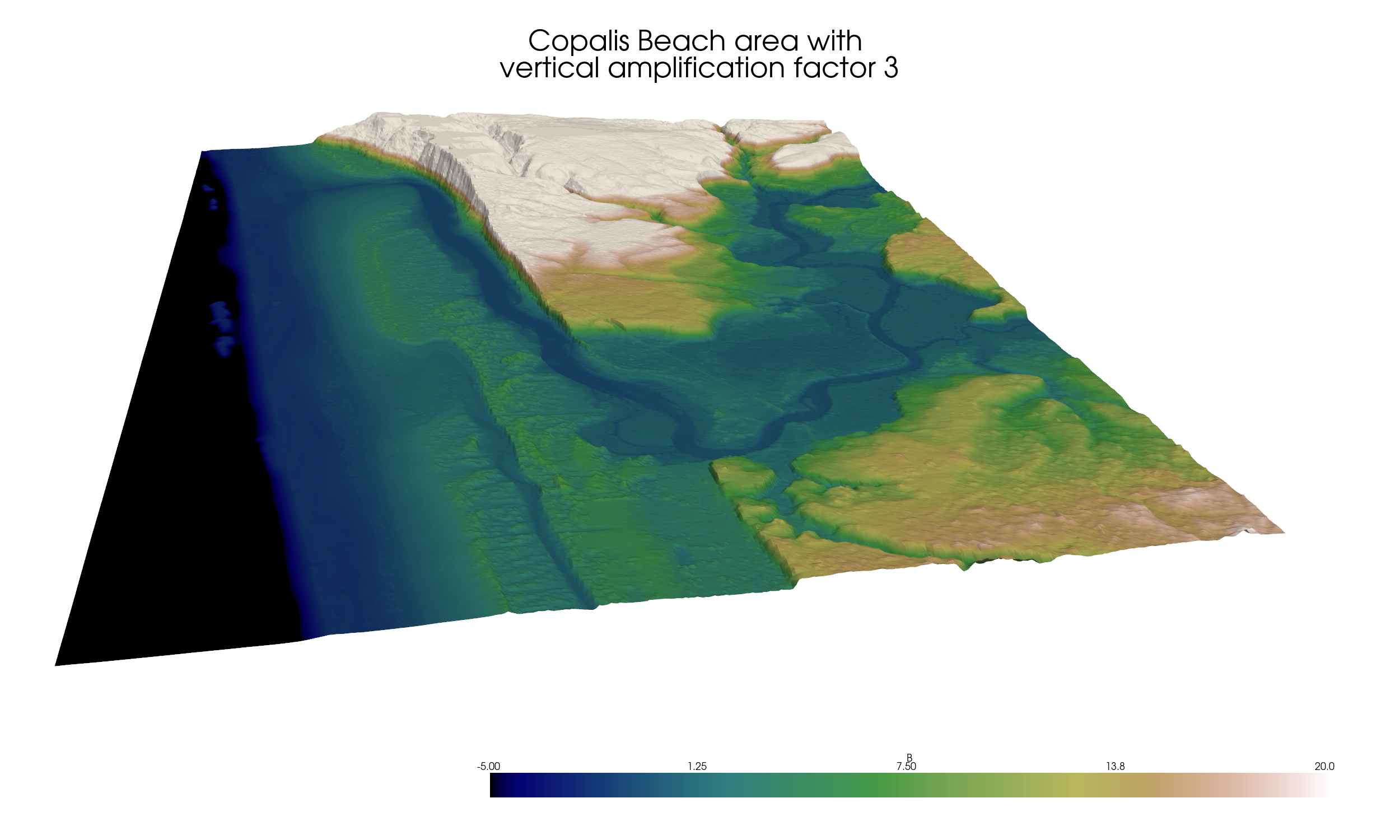
and here’s a version with the water surface at MHW also shown (obtained
by setting show_water = True in the script):
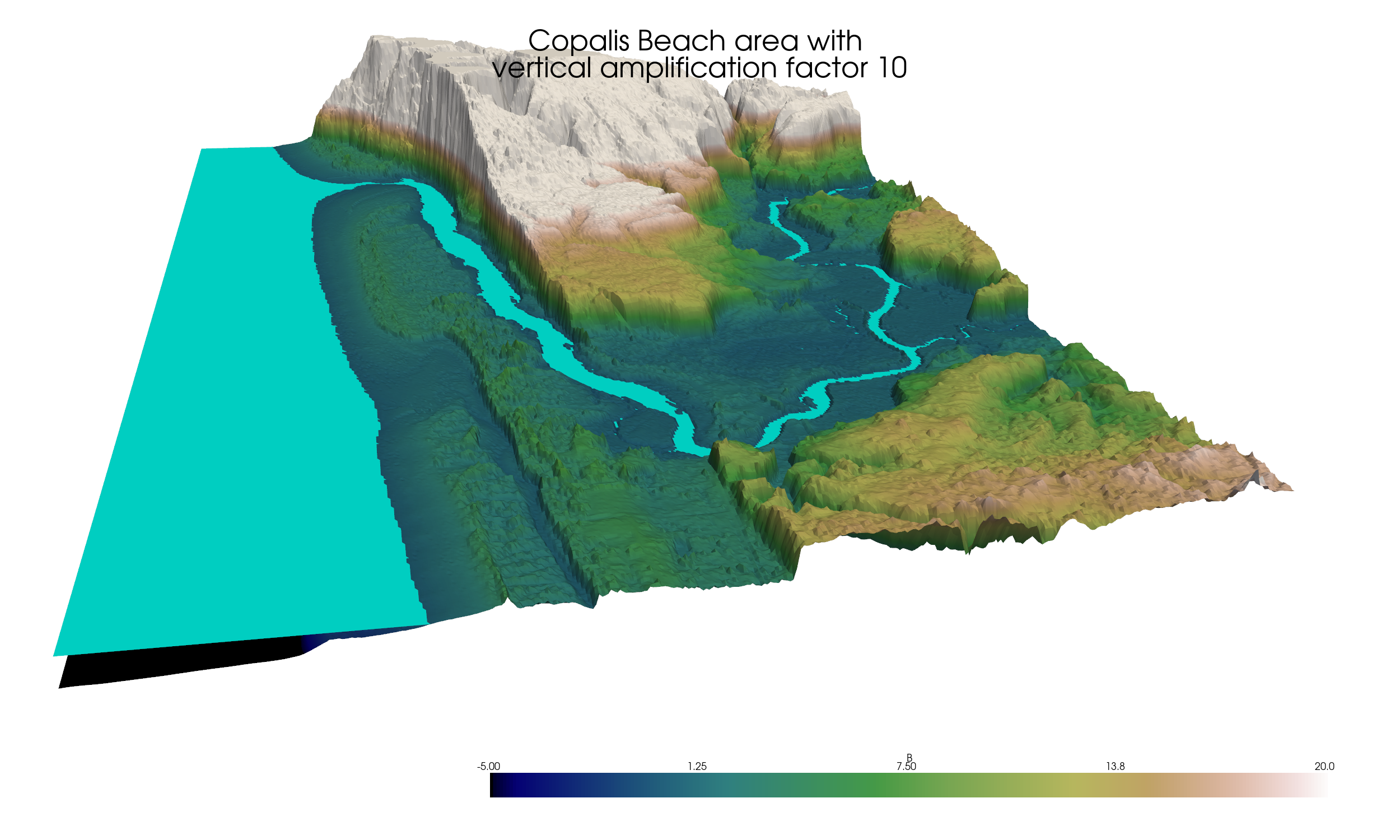
For this figure the vertical exaggeration of topography has also been
increased from 3 to 10 (the warpfactor parameter in the code) to better
show that this is a second surface on top of the topography surface.
Note that vertical exaggeration can help to in visualization but can also
be very misleading if used in excess. In many cases setting warpfactor to
1 or some small value is best.
For an interactive version see An interactive 3D plot. If you have PyVista
installed, then running the pyvista_CopalisTopo.py script will create
a separate window with a similar interactive view.
Changing sea level / coastal subsidence#
The script pyvista_CopalisTopo_sealevel.py can be run to open an
interactive view that allows you to change sea level, in order to explore
what this topography would look like if sea level rises (or following the
co-seismic subsidence of an earthquake).
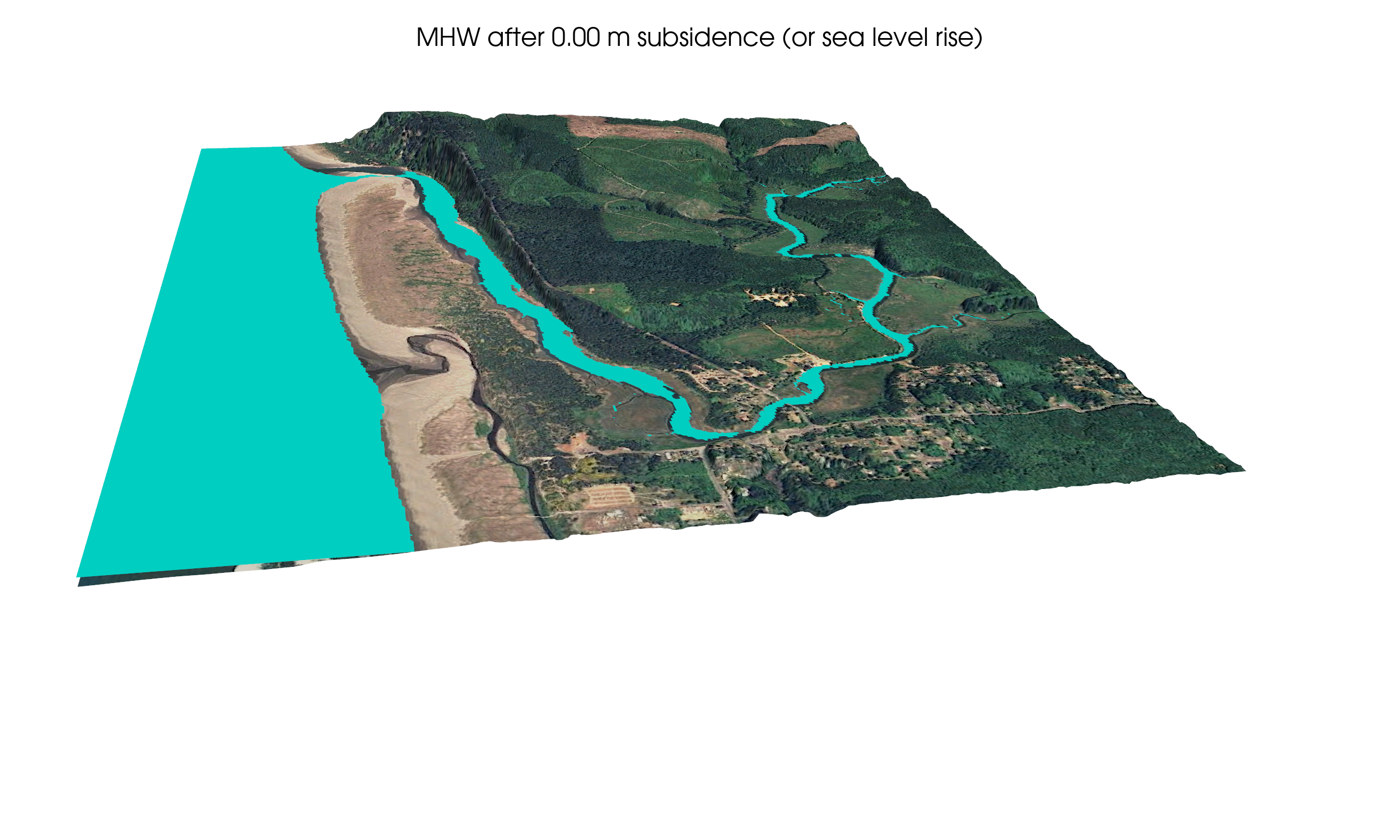
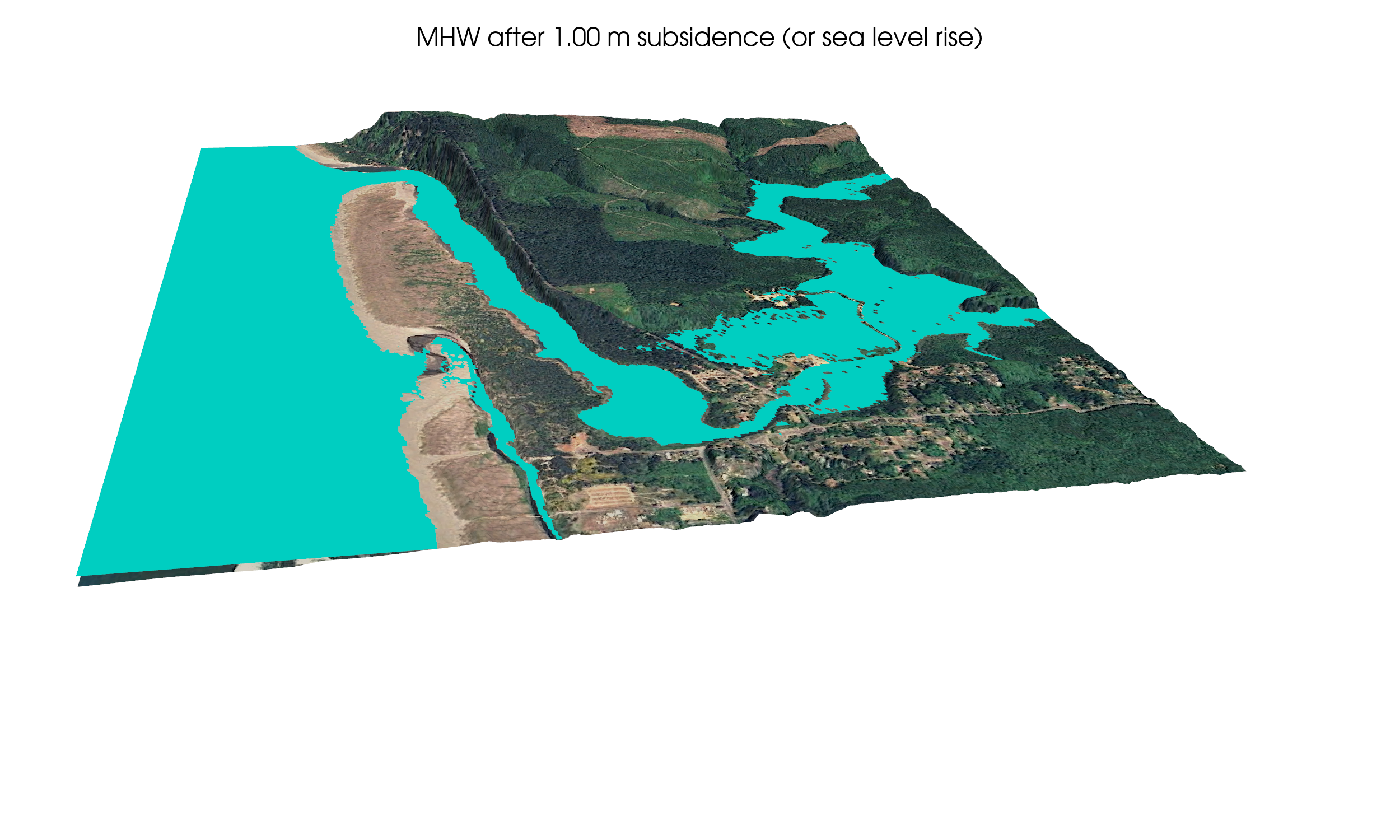
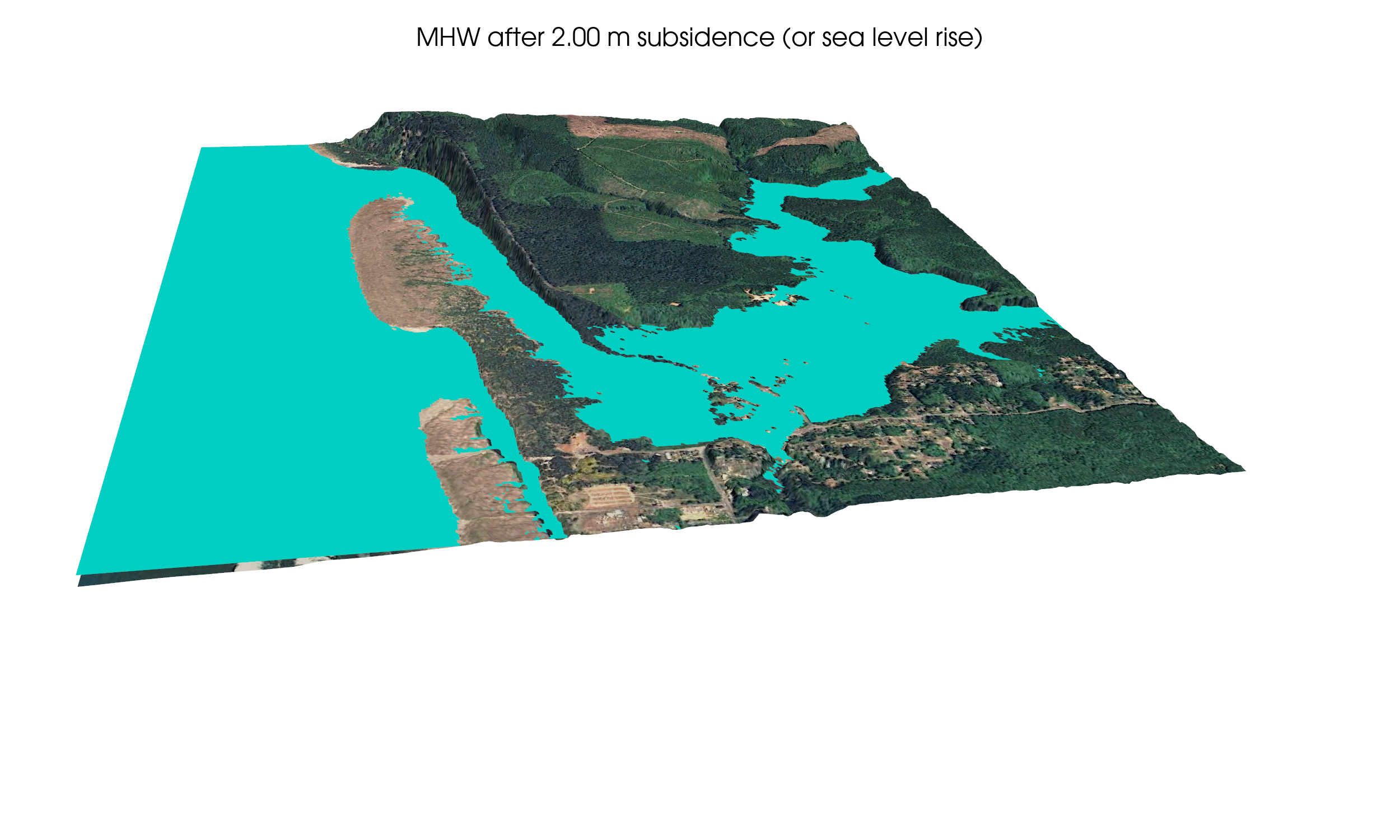
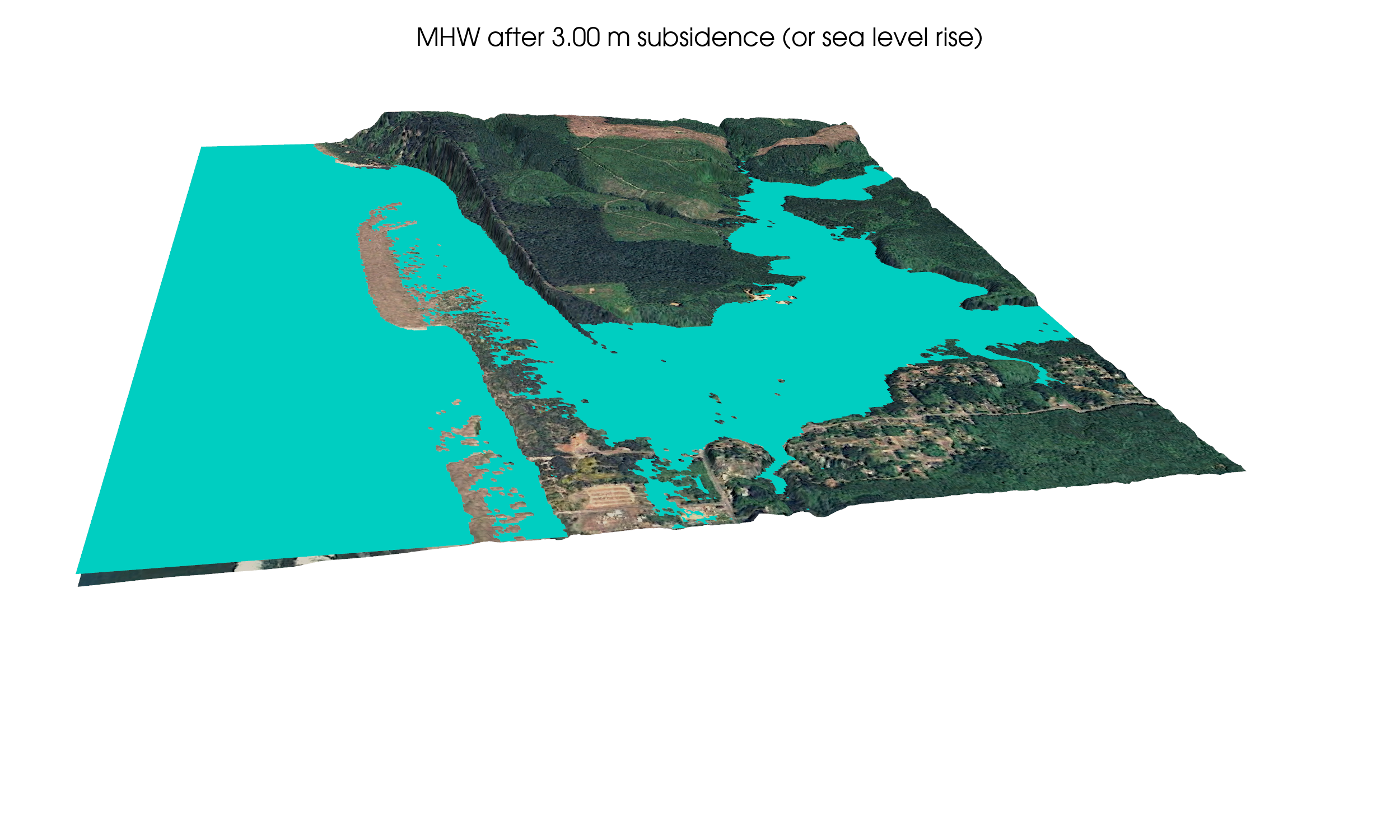
Below are several snapshots for different choices of sea_level
that were produced by setting
make_snapshots = True in the script (with make_snapshots = False the
script produces an interactive window with a slider bar that allows you
to adjust the sea_level parameter).
The plots below also show that an image can be draped on the topography rather than using a colormap based on elevation. In these figures a screenshot from Google Earth was used as the image, but one could also use a map or other image.
The water surface at the current MHW is shown in plots above. These snapshots show two elevated levels.